
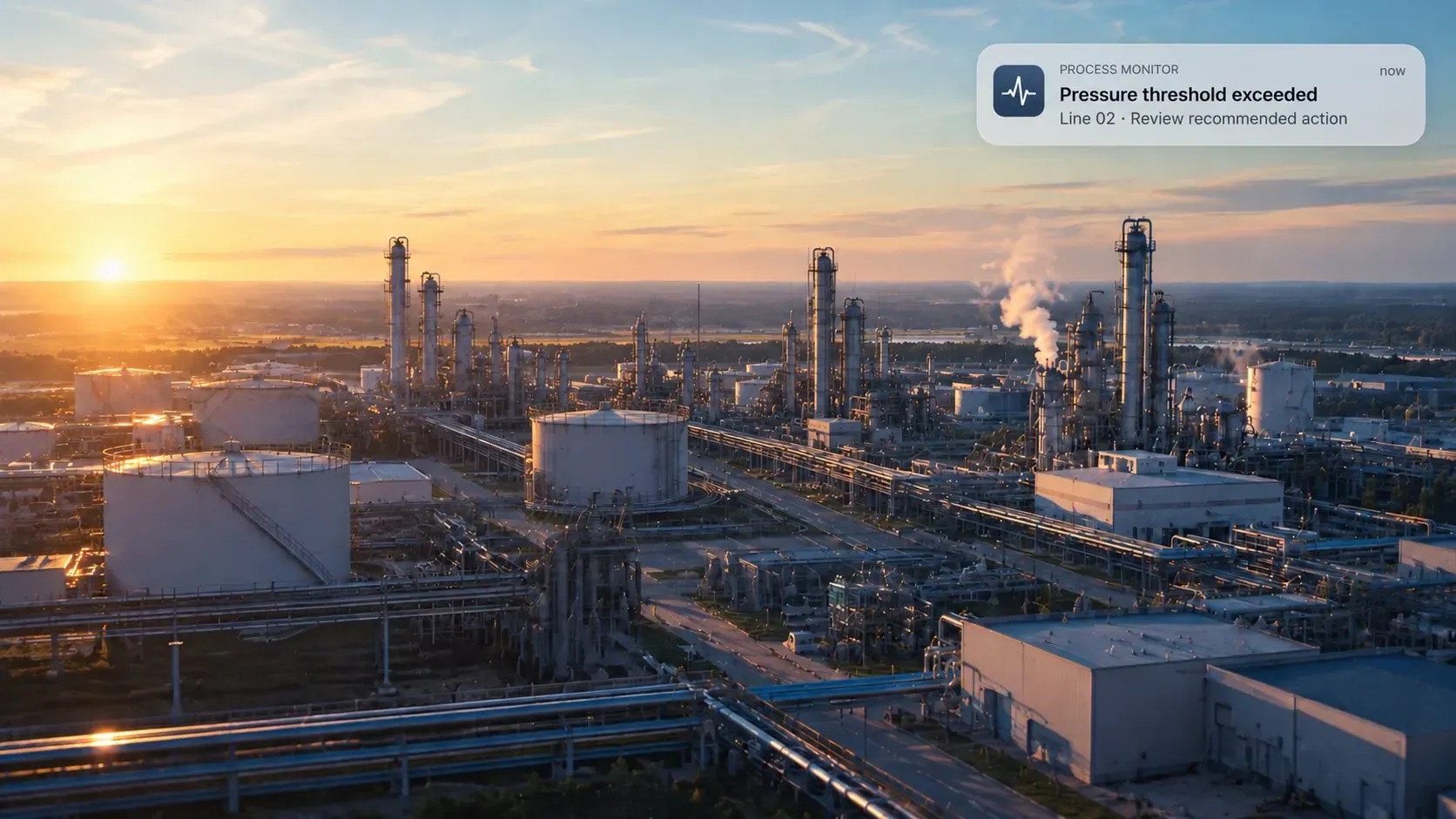
What a digital twin is
A living model of your business.
A digital twin is a virtual representation of a real-world entity, kept in step with it. Most people picture a factory or a machine in 3D. The concept applies just as well to processes, teams and whole organizations, and that is the twin we build: not the plant, but the work that runs through it. It is built from three inputs: role-based interviews with your people, the transactional data in your ERP, and industry best practices. Processes are harmonized across the business and every business role is documented.
The economics are what make it worth building. You pay to model the landscape once, then reuse the same model for purposes it was never scoped for: the first automation, the fifth, an ERP fit–gap, an audit. Each new use costs a fraction of the first, because the discovery is already done.
What it is not: a live simulation. No sensor data feeds it and it predicts nothing about plant behavior. A photoreal 3D plant model is a separate artifact in the same family.
- 01 · ExplainHow the work is really done
Every process with its trigger, systems, handovers, volumes and exceptions, as the people doing it describe it. Including the steps no system ever recorded.
- 02 · ExploreWhat to change first
Ask the model where the effort, the exceptions and the spreadsheets are. Rank candidates by payback before committing a single build.
- 03 · ChangeBuild on the map, not from scratch
Every agent we build afterwards starts from the twin’s process model. So does an ERP target design, an SOP set or an onboarding guide.
Key benefits
Every process mapped once, so every automation after it costs less.
Every automation starts the same way: someone has to work out how the job is really done. A twin does that work once, for the whole landscape, across every department.
It maps the work as it’s really done
Not the diagram in the quality manual. The approval that moved to email, the check someone does from memory.
It finds what no system recorded
Spreadsheets on shared drives, calls to the plant, exceptions handled by hand. Invisible to process mining; visible in the twin.
You can ask it questions
A model you query in plain language, not a folder of diagrams.
It makes the next automation cheaper
Every agent we build afterwards starts from the map instead of from scratch.
 Maintenance
 Production
 Finance
 Logistics
How it works
Ask a sample twin a question.
Pick a question, then open any process. Each one shows the steps as the people doing them described it, including the step no system ever recorded.
- 1Choose a question at the top
- 2Open a process from the list
- 3Find the step in amber: the one no system recorded
Sample company, illustrative data. Your twin is built from your own interviews.
Matching processes
Credit limit review
As described by the people doing it
- 1Order flagged over limit lands in a shared mailboxOutlook
- 2Controller pulls 12-month payment historySAP
- 3Open disputes checked in a spreadsheet on a shared driveno system
- 4Decision recorded on the customer recordSAP
- 5Order desk notified by reply-allOutlook
One step lives in no system. Process mining would not see it.
Customer master update
As described by the people doing it
- 1Sales rep emails new customer detailsOutlook
- 2Fields copied into an intake sheetExcel
- 3Credit check requested by phoneno system
- 4Customer record createdSAP
- 5Confirmation sent back to salesOutlook
One step lives in no system. Process mining would not see it.
Order release
As described by the people doing it
- 1Order enters blocked statusSAP
- 2Stock and delivery window checkedSAP
- 3Team lead approves over thresholdOutlook
- 4Special delivery terms confirmed with the customer by phoneno system
- 5Order released to the warehouseSAP
One step lives in no system. Process mining would not see it.
Weekly demand forecast
As described by the people doing it
- 1Sales history exported from ERPSAP
- 2Promotions added by hand from the sales calendarExcel
- 3Adjustment agreed in the Monday meetingno system
- 4Forecast pasted into the planning fileExcel
- 5File emailed to productionOutlook
One step lives in no system. Process mining would not see it.
Invoice dispatch
As described by the people doing it
- 1Billing run creates invoicesSAP
- 2Special customers pulled into a tracking sheetExcel
- 3PDFs checked for missing referencesno system
- 4Invoices sent by email or portalOutlook
- 5Dispatch loggedSAP
One step lives in no system. Process mining would not see it.
Returns handling
As described by the people doing it
- 1Customer reports a return by email or phoneOutlook
- 2Case opened in the CRMCRM
- 3Quality decides on credit after a look at the goodsno system
- 4Credit note raisedSAP
- 5Customer informedOutlook
One step lives in no system. Process mining would not see it.
Capabilities
Four pieces, one model.
Role-based interviews
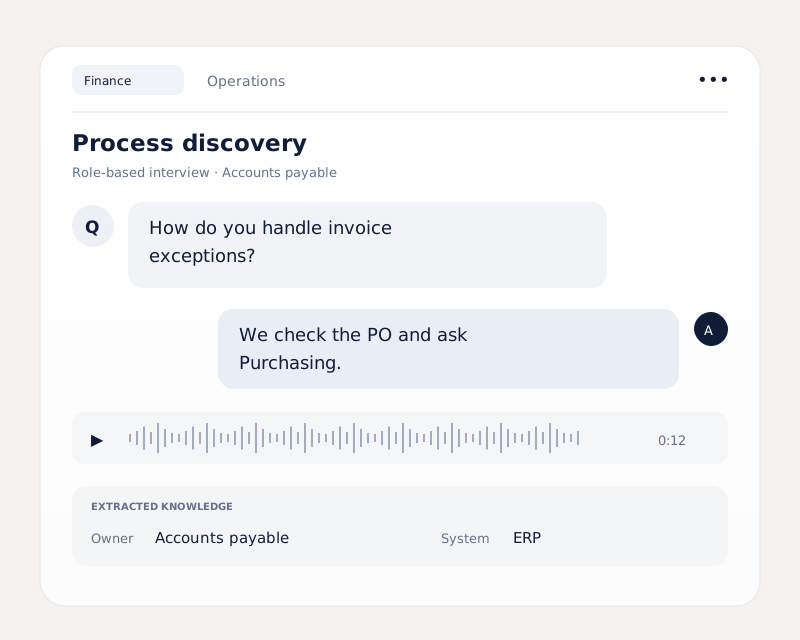
AI interviews in parallel across departments, in the languages your teams work in, combined with your ERP transaction data and industry best practices.
Landscape model
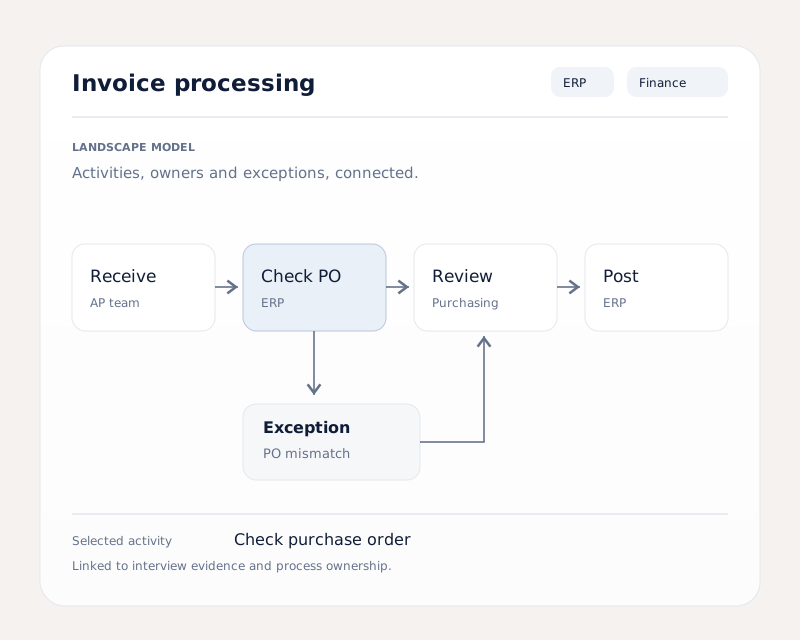
Activities, roles, systems, handovers and exceptions, linked and searchable, and harmonized across the whole business.
SOP generation
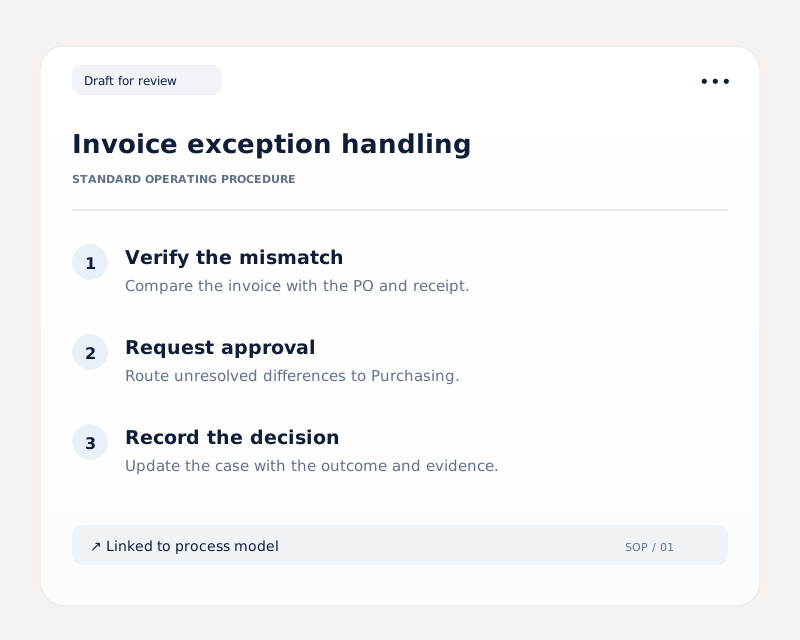
Standard operating procedures drafted from how the work is actually done.
Fit–gap & backlog
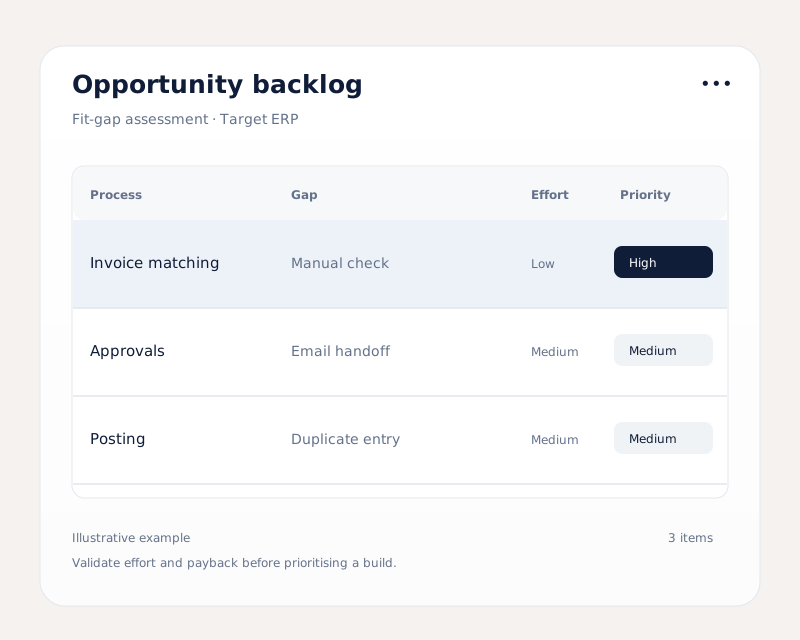
Gaps against your target systems, and every candidate process ranked by payback.
Three uses
One twin, three reasons to build it.

Automation roadmap
A ranked backlog of what to automate first, and every agent after it built on the same map.
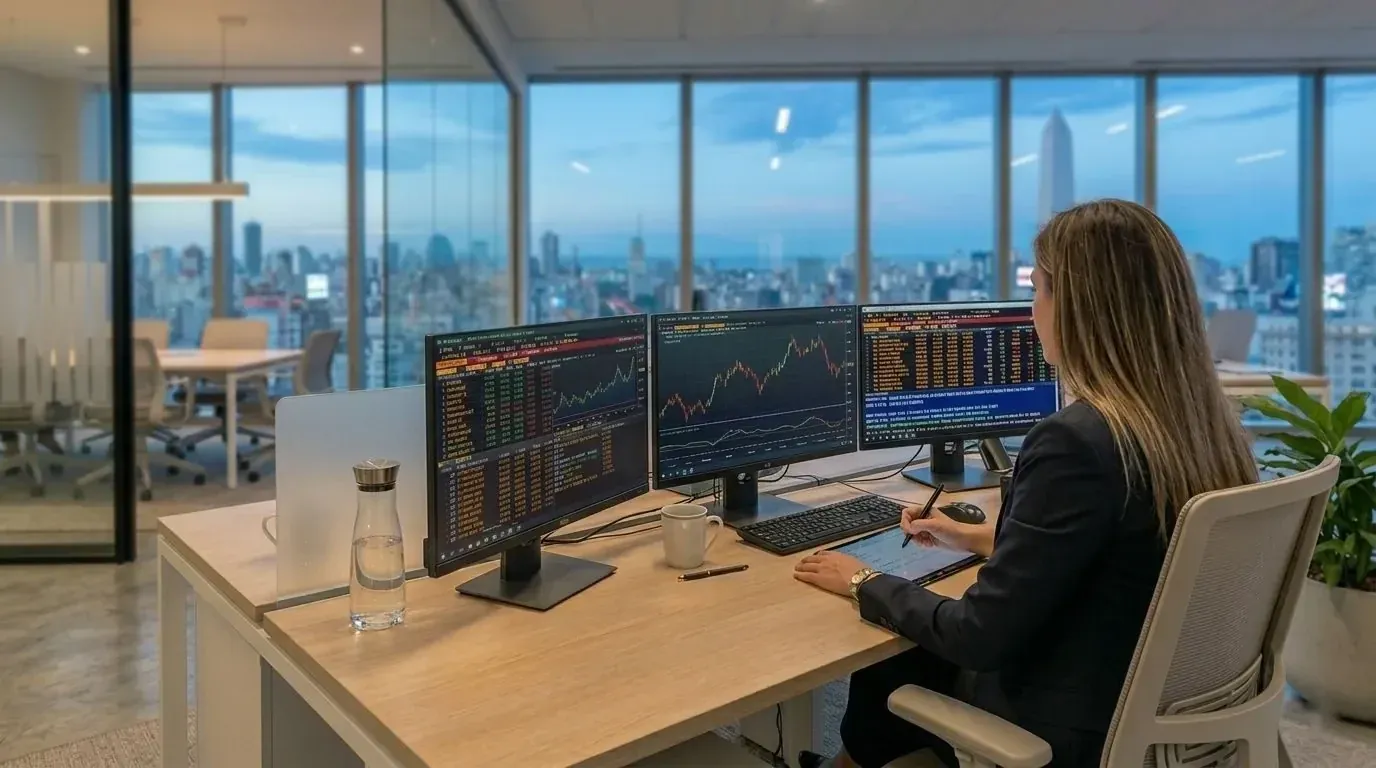
ERP migration
A fit–gap grounded in real practice before the target design is locked, not after go-live.

Audit & onboarding
Documented processes for auditors, and a searchable reference for every new hire.
How a twin is built
Six steps, from interviews, ERP data and best practices to a ranked backlog.
Illustrative. Every activity in the twin traces back to the interview it came from.
- 01 · InterviewRole-based interviews across Finance, Sales Ops, Order Desk; ERP transaction data loadedrunning
- 02 · TranscribeAnswers transcribed and structured into activitiesstructured
- 03 · ValidateConsultants check each transcript against the sourcevalidated
- 04 · MapActivities linked into processes across OtC, PtP, MtSmodeled
- 05 · FlagCredit check found in a spreadsheet · in no systemsurfaced
- 06 · RankBacklog ranked by payback · SOP drafts generatedhanded over
Deployment model
Built with your people. Kept in your environment.
Inside your environment
Hosted on infrastructure you provide. No data leaves your environment without your approval.
Handed over, yours to run
On fixed-price projects, the twin, the SOPs and the backlog are delivered to you with permanent rights to use them.
Automate next, or don’t
Build agents on it with us, use it for an ERP program, or keep it as documentation. Maintenance is an option, not a condition.
Get in touch
Talk to us and get started.
Book 30 minutes with our team. Walk us through your process. We'll show you where AI agents can make a difference.